
BetWright login takes the email address and password you chose when you registered. The same pair works on betwright.com and in the BetWright app, and one account covers casino, live casino, bingo and sports. If you’ve forgotten the password, a reset link goes to your registered email.
BetWright log in: step by step
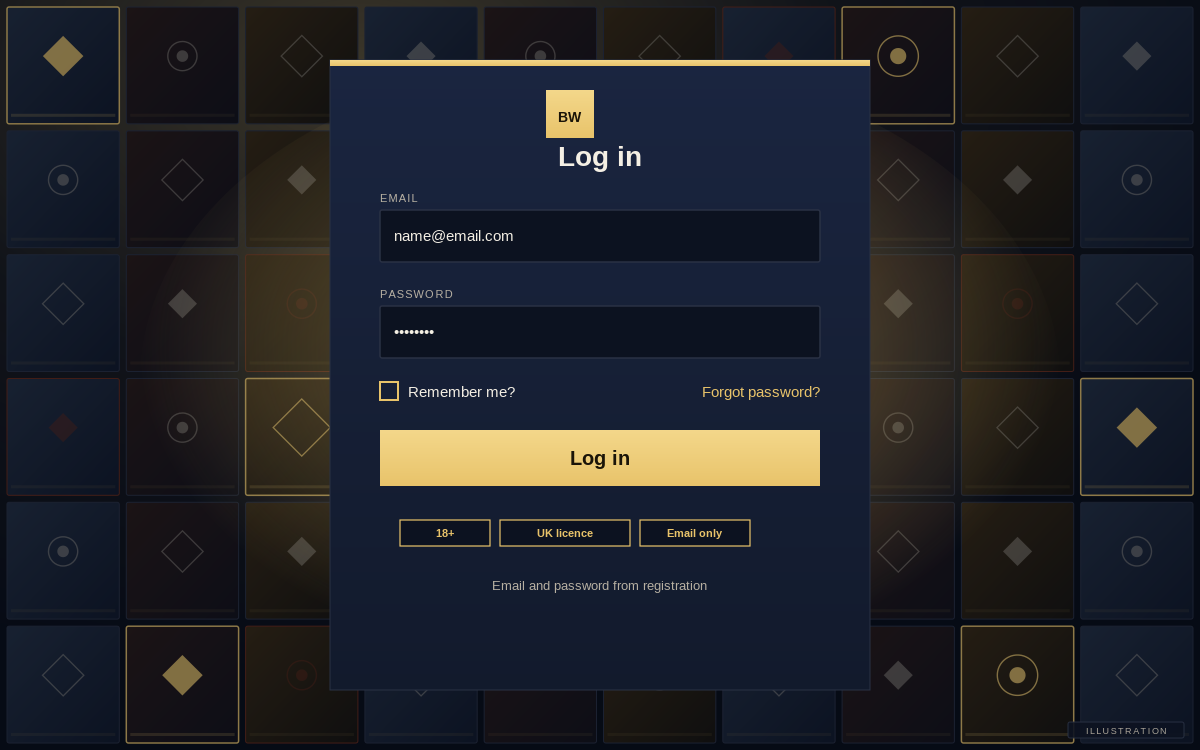
The three steps, as they appear on a phone
Illustrations — official log-in form screens were not in the dossier pack.
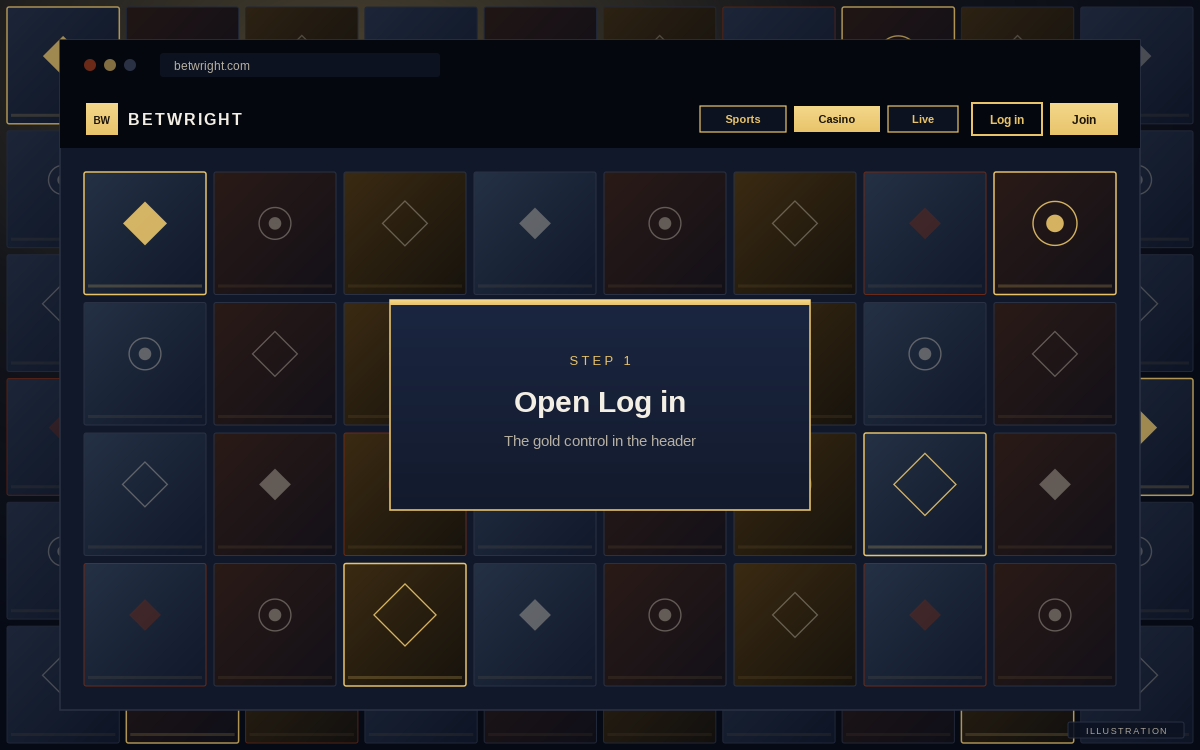
- Go to betwright.com and tap Login at the top right, or open the BetWright app.
- Enter the email address you registered with.
- Enter your current password.
- Tick “Remember me?” only if the device is yours alone.
- Tap to sign in.
BetWright sign in: email and password
Illustration of the log-in form (desktop and phone). This is not an official capture.
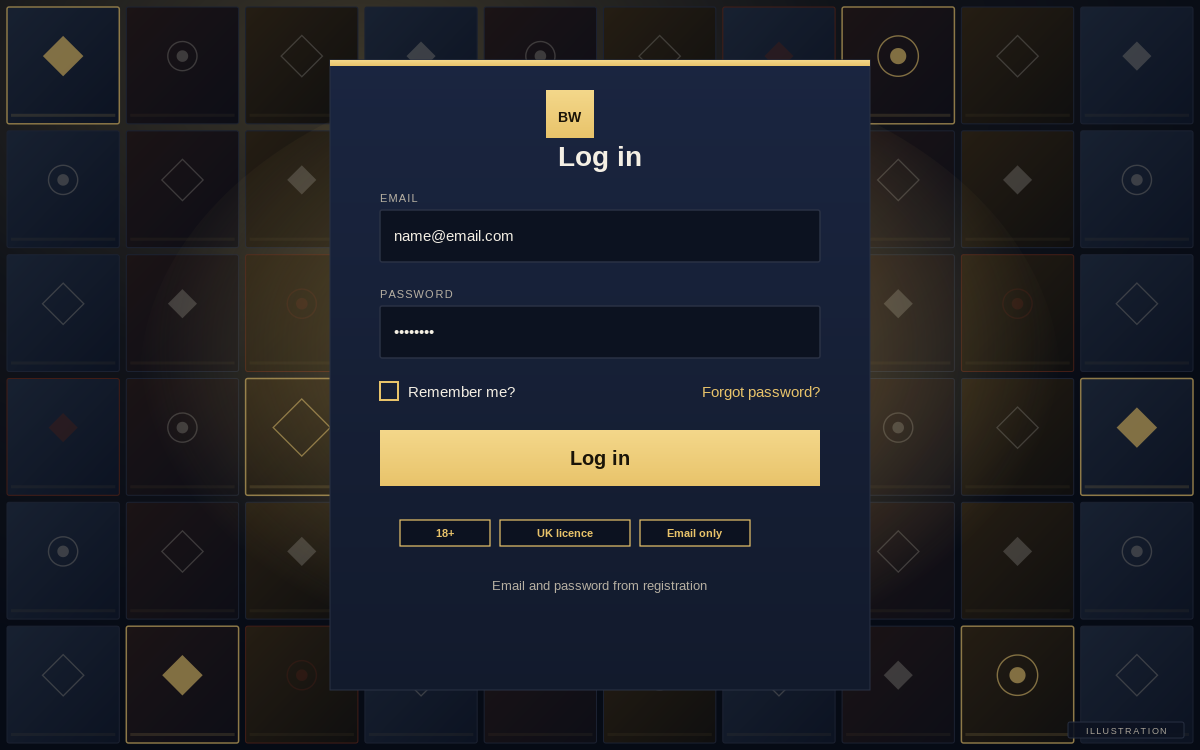
The sign-in form has two fields: email and password. There’s no separate username to remember, so the email you used at registration is the one to type here. Passwords are case-sensitive; if sign-in fails, check Caps Lock before anything else. If your electronic check didn’t pass at registration, you can open Account > Upgrade to Basic after you sign in and complete the ID upload and liveness check there.
BetWright login on mobile and in the app
On a phone you can sign in through the mobile site or the app. The app is on the App Store (iOS 15.6 or later) and Google Play (Android 7.0 or later); there’s no official APK download. The app uses the same email and password as the website, so you don’t need a new account. Install details are in the BetWright app guide.
BetWright casino login: one account for everything
There’s no separate casino login. The account you sign in to holds one balance for slots, live casino, bingo and the sportsbook, and the same account level (Basic, Advanced, Premier or Prestige) applies across all of them. Rewards from Bangers N’Cash also sit in that one account.
Forgot your BetWright password?
Illustration of a password-reset request. Official forgot-password screens were not in the dossier pack.
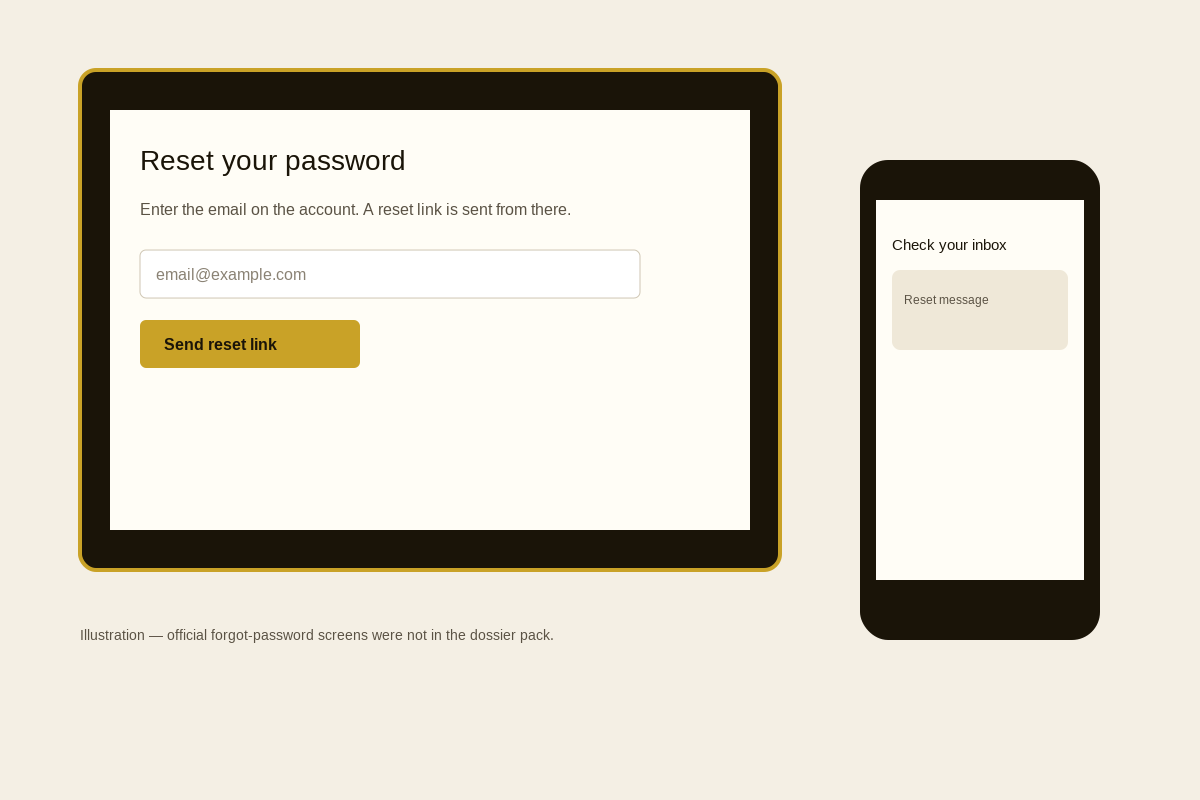
- In the sign-in window, choose “Forgot password?”.
- Enter the email on your account.
- Tap “Recover Password”.
- Open the email from BetWright; if it isn’t in your inbox, check spam.
- Follow the link, choose a new password and sign in with it.
The reset comes as a link, not a one-time code. If you no longer use the email on your account, a reset link can’t reach you; contact support instead.
BetWright login problems and quick fixes
| Problem | What to try |
|---|---|
| The form won’t accept your details | Check the email for typos and Caps Lock for the password |
| Forgotten password | Use “Forgot password?” and the link sent by email |
| Reset email hasn’t arrived | Look in spam, then request it again |
| No access to your old email | Contact support to update your details; new details can be checked |
| Page won’t load or the form hangs | Check your internet connection, then reload |
| Still failing after a reset | Clear the browser cache, or try another browser or device |
| Using a VPN or proxy | Turn it off; it can interfere with access |
| Logged in on a shared device | Log out and don’t use “Remember me?” there |
| App won’t sign you in | Update the app from the official store and use the same email and password as the site |
| Account closed by self-exclusion | It can’t be reopened until the period ends |
Work through the list in that order: details, password reset, connection, cache or browser, VPN. If none of these helps, use live chat during business hours or email support@betwright.com.
“Remember me?” on shared devices
The “Remember me?” checkbox keeps you signed in on that device. That’s handy on your own phone and risky on a shared laptop or a family tablet, where the next person would open your account with its balance and payment details. On any device that isn’t yours, leave it unticked and log out when you finish.
Time-outs and self-exclusion: when login is closed
| Tool | Length | Where to set it |
|---|---|---|
| Play break (time-out) | 24 hours to 6 weeks | My Account or Support |
| Self-exclusion | 6 months to 5 years, extendable by 6 months | My Account or Support |
During a self-exclusion the account can’t be reopened. When the period ends, reopening takes a written request. GAMSTOP adds a block across all UK-licensed gambling sites.
Changing the email on your BetWright account
Your email is both your username and the address for password resets, so keep it current. You can update personal details in My Account or ask support at support@betwright.com to change them. BetWright may check the new details before they go live.
The real BetWright login address
betwright.com is the only active domain on the UK Gambling Commission licence held by Onyx Gaming Limited. Login pages on other addresses aren’t part of BetWright, and the same goes for apps outside the App Store (id6736365545) and Google Play (bet.betwright.android). Never type your password into a link sent by message or posted on a forum.
After you log in: verification before a withdrawal
Logging in doesn’t by itself mean your account is ready to withdraw. A payout can be held until verification is complete, and welcome offers need the Advanced level. How the checks and the upgrade work is covered in BetWright sign up; the offers themselves are in the BetWright welcome offer guide.
FAQ
Does BetWright accept a phone number instead of an email?
No. Sign-in takes your registered email plus your password.
Can I change the email on my account?
Yes. Update it in My Account or write to support@betwright.com; BetWright may check the new details before they apply.
Why didn’t the password reset email arrive?
Check spam first, then make sure you typed the email on your account. If you no longer use it, contact support.
What if I can’t remember which email I used?
Try “Forgot password?” with each address you might have used: the reset link only reaches the email on your account. If none works, get in touch with support through chat or email.
Is the app login the same as the website?
Yes. One email and password work on betwright.com and in both apps.
Can I log in during a self-exclusion?
No. The account stays closed for the whole period and reopens only after a written request once it ends.
Safer gambling
18+ only. If logging in has become a habit you’d rather break, a play break or self-exclusion closes access for a set time. GamCare, BeGambleAware and the National Gambling Helpline (0808 8020 133) offer free, confidential support, and GAMSTOP lets you self-exclude from UK gambling sites.